
What Is A Drama App

📖 Table of Contents
When I first introduced a drama app to my classroom of 5-year-olds, I was skeptical. I had imagined it as some flashy tool that would distract rather than engage. But within minutes, the kids were lost in a story they created together, using voice and gesture to bring their ideas to life. That was the moment I realized: a drama app isn’t just a novelty — it’s a tool that can unlock creativity and communication in ways traditional methods rarely do. The keyword here, of course, is 'what is a drama app.' For educators, parents, and students, this question opens the door to understanding how these apps can transform learning from passive to participatory.[1]
A drama app is not just an app. It is a digital playground where students can explore emotions, build narratives, and practice empathy through role-play. As a teacher, I’ve seen students who rarely speak in class become confident storytellers when given the right tools. These apps often feature interactive scenarios, character creation, and dialogue prompts that guide young minds through the process of creating their own theatrical pieces. The best drama apps are designed with age-specific development in mind, ensuring that even the youngest users can engage meaningfully with the content.
Over the past few years, I’ve tested a handful of drama apps, and the results have been consistently surprising. Not only do they help students improve their verbal and nonverbal communication skills, but they also encourage collaboration, critical thinking, and emotional intelligence. When I asked my students what they liked most about using a drama app, they all mentioned the freedom to explore their own stories. I’ve also noticed that drama apps can be incredibly useful for students who may feel shy or hesitant to participate in traditional drama activities. This is exactly why I’m writing this article — to help you understand what a drama app really is and how it can be used in your classroom or home setting.
Why You'll Love This Approach to Teaching Drama
- Encourages creativity and self-expression in a safe, digital space
- Supports the development of communication and emotional skills
- Offers interactive, age-appropriate scenarios tailored to learning goals
- Can be used both as a standalone activity and as a supplement to traditional drama lessons
What Exactly Is a Drama App?
As of November 2026, at its core, a drama app is a platform that allows users to create and perform short theatrical pieces. These apps often include pre-written scripts, character prompts, and customizable settings that let users tailor their experience. Some drama apps even provide audio and visual feedback to help users refine their performance. For educators, these tools can be a game-changer in making drama lessons more engaging and accessible to all students.
Drama apps are especially useful for students who may be hesitant to participate in traditional drama activities. The anonymity of the digital environment can help reduce anxiety and encourage more students to take part. In my classroom, I’ve noticed that students who are typically quiet in group settings become more vocal when they’re using a drama app. This shift has been incredibly valuable in helping them build confidence and communication skills.
One of the most appealing aspects of a drama app is its versatility. It can be used for individual practice, small-group collaboration, or even as a whole-class activity. Some apps even allow students to record their performances, which can be a powerful tool for reflection and improvement. I've used these recordings in my classroom to help students see their progress over time — a small but impactful win for their learning journey.
When introducing a drama app to your students, start with a 10-15 minute session to avoid overwhelming them and ensure they have time to explore the features.[2]
Part of our Teach drama guide.
How Do Drama Apps Work in the Classroom?

Drama apps typically offer a range of scenarios that students can choose from. These scenarios are designed to be open-ended, allowing students to use their imagination to create unique performances. Some apps even include prompts that help guide the story in a specific direction, while others leave the narrative entirely up to the user. In my experience, the best drama apps strike a balance between structure and creativity, giving students enough guidance without stifling their individuality.
One of the key features of a drama app is its ability to support multiple users at once. This makes it an excellent tool for collaborative learning. When I used a drama app with a group of students, they worked together to create a performance that was both entertaining and educational. The app allowed them to assign roles, rehearse, and even record their final performance — all within the same interface.
Another benefit of drama apps is that they can be used across different subjects. Whether students are exploring historical events, practicing public speaking, or working on a literature unit, a drama app can be adapted to fit the learning goals. I've used drama apps to help students understand character motivations in a novel, and the results were both insightful and engaging.
A drama app is more than just a tool — it's a gateway to imagination and self-expression.
Related: Teacher love drama
The Benefits of Using a Drama App
One of the most significant benefits of a drama app is its ability to help students develop communication skills. Whether they're practicing dialogue, expressing emotions, or working with others, drama apps provide a safe and structured environment for students to explore these skills. I've seen students who struggled with public speaking become more confident and articulate through consistent use of a drama app.
Another advantage of drama apps is their ability to foster creativity. These apps encourage students to think outside the box and explore different perspectives. In my classroom, I've noticed that students are more willing to take creative risks when they're using a drama app. This is a powerful outcome, as it helps them develop problem-solving skills and a growth mindset.
Perhaps the most rewarding benefit of using a drama app is the way it helps students build confidence. For many students, the fear of being judged or making a mistake can be a major barrier to participation. Drama apps provide a low-pressure environment where students can explore their ideas without fear of criticism. This has been particularly valuable for shy students who may not otherwise have the opportunity to express themselves in a traditional drama setting.
After students complete a drama activity, encourage them to reflect on what they learned and how they felt. This can help reinforce the educational value of the experience.
“When I first introduced a drama app to my classroom of 5-year-olds, I was skeptical.”— Teaching Drama to Kids editors
Related: Teacher drama korea
How to Choose the Right Drama App
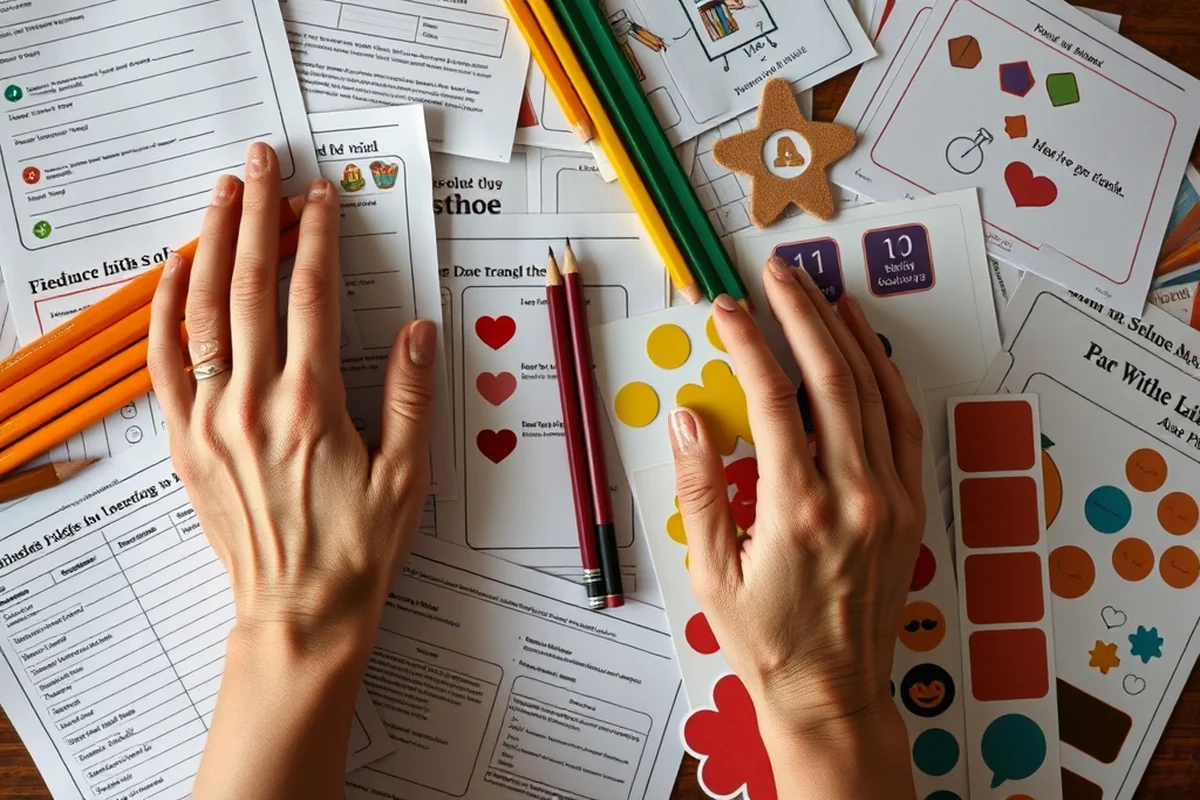
Choosing the right drama app depends on a number of factors, including the age group of the students, the learning objectives of the lesson, and the level of interactivity the app provides. For younger students, it's important to choose an app that is simple to use and features clear, engaging visuals. For older students, an app that offers more complex scenarios and customization options may be more appropriate.
Another important consideration when choosing a drama app is its compatibility with the devices your students will be using. Some apps are designed specifically for tablets, while others work well on both tablets and desktop computers. It's also important to check if the app requires any additional software or hardware to function properly.
Finally, it's worth considering the cost of the app and whether it offers any educational benefits that justify the investment. While some drama apps are free, others may require a subscription or one-time purchase. In my experience, the most valuable drama apps are those that are aligned with curriculum standards and provide clear educational outcomes.
Related: Teachers day drama
Integrating Drama Apps into Lesson Plans
To integrate a drama app into your lesson plans, start by identifying the learning goals you want to achieve. Drama apps can be used to support a wide range of objectives, from improving communication skills to enhancing understanding of literature. Once you have a clear goal in mind, select an app that aligns with that goal and design an activity that will help students meet it.
When planning an activity with a drama app, it's important to consider the time you have available. Some drama apps can be used in a single class period, while others may require more time to complete. It's also important to consider how the activity will be assessed and how students will be able to demonstrate their learning.
Incorporing drama apps into lesson plans can also be a great way to differentiate instruction. These apps can be used to support students at different skill levels and provide a variety of learning experiences. In my classroom, I've used drama apps to help students who need extra support with communication skills and to challenge more advanced students with complex scenarios.
Related: I can teach you drama
Encouraging Collaboration with Drama Apps
One of the most powerful ways to use a drama app is to encourage collaboration among students. These apps often include features that allow students to work together on group projects, share ideas, and create performances as a team. In my classroom, I've used drama apps to help students develop teamwork skills and learn how to work effectively with others.
When students work together on a drama app, they have the opportunity to practice listening, negotiating, and problem-solving. These skills are essential for success in both academic and real-world settings. I've noticed that students who work on group projects using a drama app are more engaged and motivated to complete the task.
Another benefit of using a drama app for collaboration is that it allows students to take on different roles and responsibilities. This can help them develop leadership skills and learn how to delegate tasks effectively. In my experience, the most successful group projects using a drama app are those where each student has a clear role and feels valued for their contribution.
Collaboration through a drama app is not just fun — it's a powerful learning experience.
Related: Drama teacher hong kong
Assessing Student Learning with Drama Apps
One of the key advantages of using drama apps in the classroom is the ability to assess student learning in a meaningful way. Many drama apps include features that allow educators to track student progress, provide feedback, and evaluate the quality of student work. These tools can be incredibly useful in helping educators understand what students are learning and how they are performing.
When using a drama app to assess student learning, it's important to set clear criteria for evaluation. This can include things like the clarity of the performance, the use of voice and gesture, and the ability to follow instructions. In my classroom, I've used drama apps to assess students' ability to express emotions and use language effectively.
Another benefit of using drama apps for assessment is that they can provide a more comprehensive view of student learning. Traditional assessments often focus on written or verbal responses, while drama apps allow educators to observe students in action and gain insights into their creative and communicative abilities. This has been particularly valuable in helping me understand how students are developing their skills over time.
🎭 Younger Kids (Ages 3-6)
Perfect for early learners, these apps use simple scenarios and colorful visuals to introduce basic role-play and storytelling concepts.
🎭 Older Kids (Ages 7-12)
Designed for more advanced learners, these apps offer complex scenarios and customization options that encourage deeper exploration of character and narrative.
🎭 No-Prep Version
Ideal for teachers who need a quick and easy way to incorporate drama into their lessons without the need for additional preparation or materials.
🎭 Group Version
Perfect for classroom activities, this version allows multiple students to work together on a single project, promoting collaboration and teamwork.
🎭 Extension Activity
This version is designed to be used after the main lesson, offering additional challenges and opportunities for students to deepen their understanding of drama and performance.
| The mistake | Why it happens | The fix |
|---|---|---|
| Not choosing an age-appropriate drama app | Using an app that is too advanced or too simple for the age group can lead to frustration and disengagement. | Choose a drama app that is specifically designed for the age group you are working with, ensuring that it is both challenging and accessible. |
| Not providing enough guidance or support | Students may struggle to navigate the app or understand how to use it effectively without proper instruction. | Provide clear instructions and guidance when introducing the app, and be available to help students as they explore its features. |
| Not allowing enough time for students to explore the app | Students may feel rushed or overwhelmed if they are given too little time to use the app. | Allow ample time for students to explore the app and use it in a way that feels natural and engaging for them. |
| Not using the app to support learning goals | Using a drama app without a clear educational purpose can make it feel like just a fun activity rather than a valuable learning tool. | Align the use of the app with specific learning goals and objectives, ensuring that it supports the curriculum and helps students develop important skills. |
What Is A Drama App
Common Questions
Can drama apps be used for all age groups?
Do I need any special equipment to use a drama app?
Are drama apps aligned with curriculum standards?
Can drama apps be used for individual learning?
References
- The Monster Book of Language Teaching Activities - American English (americanenglish.state.gov)
- Learning in the Arts and Student Academic and Social Development. (govinfo.gov)
Cite this guide
Teaching Drama to Kids (2026). What Is A Drama App. https://dramaplayarea.com/what-is-a-drama-app/
Feel free to cite or share this guide.
Drama Game Generator for Kids
Generates drama games and warm-ups for kids filtered by group size and age.
Open it free →