
What Is A Kid Video

📖 Table of Contents
- What Exactly Is a Kid Video?
- Why Kid Videos Work So Well in the Classroom
- How to Choose the Right Kid Video for Your Class
- Creating Your Own Kid Videos
- Using Kid Videos to Support Different Learning Styles
- The Role of Kid Videos in Promoting Independent Learning
- Using Kid Videos to Reinforce Lessons and Concepts
- Make It Your Way
- Frequently Asked Questions
I remember the first time I saw a kid video in action — my classroom was buzzing with excitement as a group of 5-year-olds watched a short, animated clip of a character learning to tie their shoes. It was magic, really. The video didn't just capture their attention; it sparked curiosity, encouraged imitation, and made learning feel like play. That moment changed how I approached teaching, and it's how I came to understand the power of kid videos in education.[3]
A kid video is more than just a clip on a screen; it's a tool that can transform the way children learn. I've used them in my classroom for years, and I've seen how they can simplify complex ideas, make abstract concepts tangible, and provide a multisensory experience that supports different learning styles. Whether it's a short animation, a live-action clip, or a stop-motion film, kid videos are designed with children in mind — their attention spans, their interests, and their developmental stages.[4]
What sets a kid video apart is its ability to be both engaging and educational. I've tested dozens of formats, and the ones that work best are those that are short, interactive, and visually stimulating. For instance, a 2-minute video that explains the water cycle with bright colors, catchy music, and real-life examples is more effective than a long lecture. I've seen my students retain information better after watching a well-crafted kid video, and that's the kind of impact I hope to share with others.
Why You'll Love This Activity
- Engages multiple learning styles with visuals, sound, and movement
- Supports attention spans of young learners with short, focused content
- Provides a safe and repeatable way for kids to explore new concepts
- Encourages independent learning and curiosity through interactive clips
What Exactly Is a Kid Video?
As of November 2026, Kid videos are not just for preschoolers — they can be adapted for different age groups and learning levels. I've used them with kids as young as 3 and as old as 10, and each time, the format was slightly different. For younger kids, I focused on bright colors and simple animations, while for older kids, I used more complex storylines and real-world applications.[1]
One of the most effective kid videos I've used was a 3-minute clip about how plants grow. It showed the stages of growth, used simple language, and included interactive prompts for the kids to repeat what they saw. The result was that my students were able to explain the process of photosynthesis in their own words — something I never would have expected from a 5-year-old.
The key to a successful kid video is engagement. If the video isn't interesting, it won't hold a child's attention, and if it's too long or too complex, it can be overwhelming. I've found that the best kid videos are those that are concise, use relatable characters, and provide a clear explanation of the concept being taught.
Use clear language, bright visuals, and avoid complex jargon. Keep the video under 5 minutes for the youngest learners.
Why Kid Videos Work So Well in the Classroom
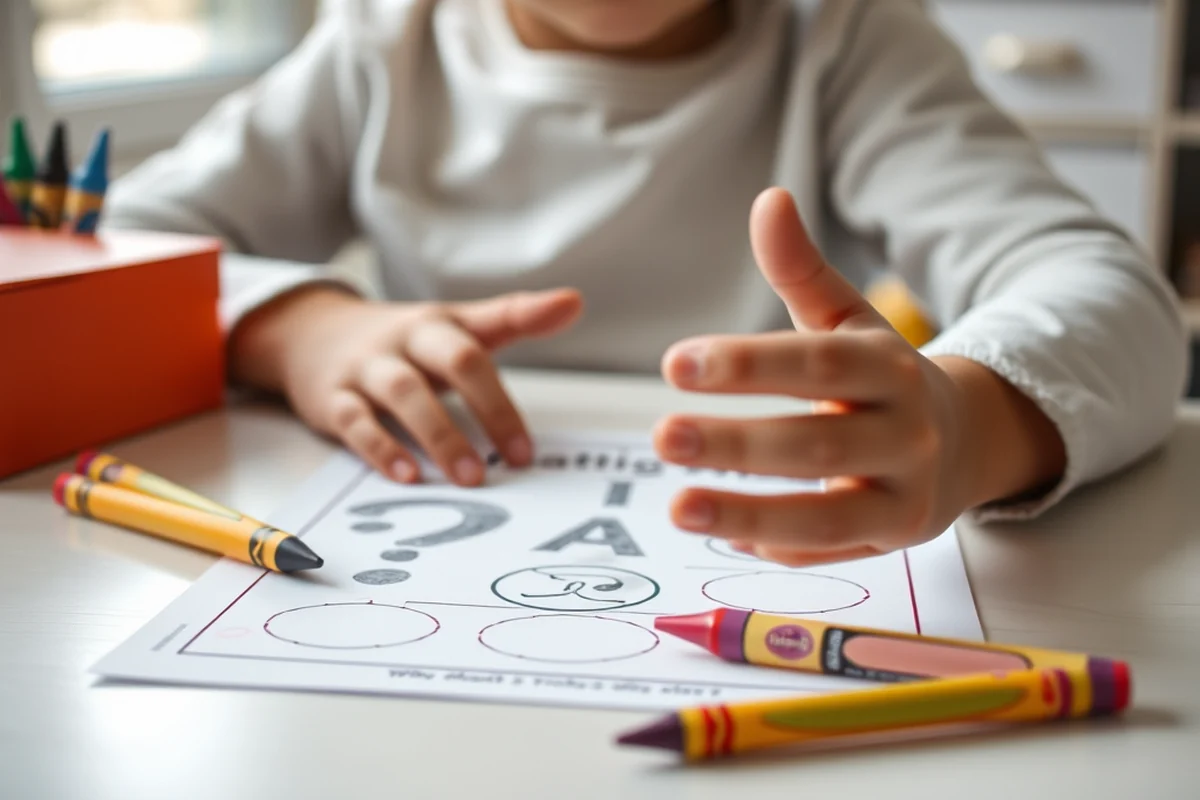
I've noticed that when I introduce a new concept through a kid video, my students are more likely to retain the information. It's not just that the videos are fun — it's that they activate multiple parts of the brain. For example, when we watched a video about the solar system, the kids were not just listening — they were seeing the planets in motion, hearing the narration. Even acting out the orbits with their arms.
Another reason kid videos are so effective is that they can be used as a launching point for further learning. After watching a video about the life cycle of a butterfly, we spent the rest of the day creating our own butterfly life cycle diagrams and discussing what each stage meant. The video was just the beginning, but it set the stage for a deeper exploration of the topic.
The versatility of kid videos also makes them a valuable resource. They can be used for individual learning, group discussions, or even as a reward for good behavior. I've used them during transitions between activities, and I've seen how they can keep kids focused and excited about learning.
Kid videos don't just teach — they spark imagination and curiosity in the youngest learners.
Related: Death the kid cosplay
How to Choose the Right Kid Video for Your Class
I've learned through trial and error that not all videos are suitable for every age group or learning level. For example, a video that uses complex vocabulary and fast-paced transitions might be overwhelming for 4-year-olds but perfect for 8-year-olds. It's important to choose videos that are developmentally appropriate and align with the curriculum goals.
I've also found that the length of the video matters. For younger children, I recommend keeping videos to 2-3 minutes, while older children can handle slightly longer clips. In my experience, a 5-minute video about the human body worked well with my 7-year-olds because they were able to follow the narrative and ask thoughtful questions afterward.[2]
Another factor to consider is the content of the video. I look for videos that are engaging, interactive, and provide opportunities for discussion. I've found that videos with interactive elements, such as prompts for the children to repeat a phrase or mimic an action, are more effective than passive ones.
Always preview the video before showing it to your class. Check for any content that might be inappropriate or too complex for your students.
“I remember the first time I saw a kid video in action — my classroom was buzzing with excitement as a group of 5-year-olds watched…”— Teaching Drama to Kids editors
Related: What is the odyssey about for kids
Creating Your Own Kid Videos
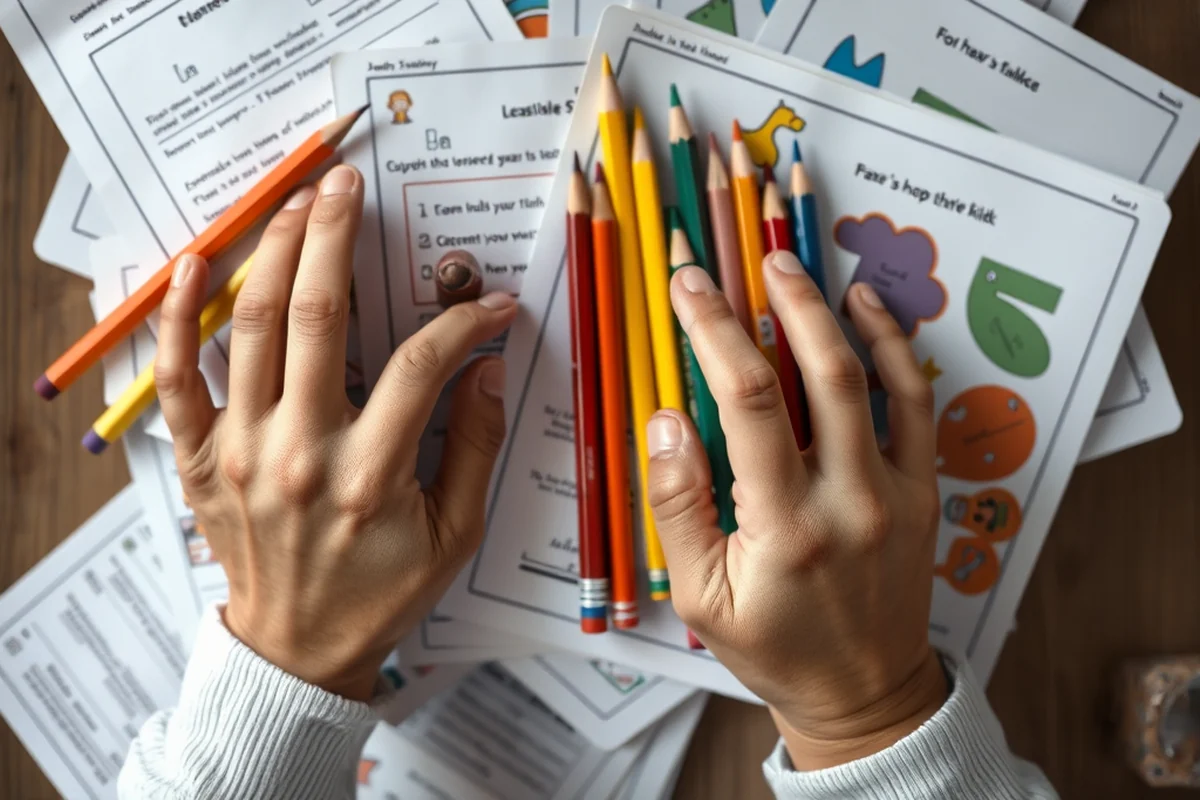
I've experimented with creating simple kid videos using my phone and a few basic apps. One of my favorite videos was a short stop-motion animation about the water cycle. I used a few props, some background music, and a simple script to show the stages of evaporation, condensation, and precipitation. It took about an hour to create, and it was a hit with my students.
Creating your own videos allows you to customize the content to fit your classroom's needs. For example, if I'm teaching a unit on animals, I can create a video that focuses on specific animals relevant to the lesson. I've also used videos to explain complex concepts, such as the concept of gravity, by showing simple experiments and explaining each step in a way that's easy for kids to understand.
I've found that creating your own videos is not only a great way to engage students but also a way to model creativity and problem-solving. When I showed my class the video I made about the water cycle, it sparked a discussion about how they could create their own videos and what they wanted to learn more about.
Related: Kids and video games
Using Kid Videos to Support Different Learning Styles
I've noticed that visual learners tend to benefit the most from kid videos because they see the concepts being explained in real time. For example, when I showed a video about the different parts of a plant, the visual learners were able to identify the roots, stem, and leaves right away. The video provided them with a clear image of what they were learning about.
Auditory learners also benefit from kid videos because they hear the explanations and can follow along with the narration. I've found that when I play a video with a voiceover, the auditory learners are more engaged and able to understand the material better. In one class, I used a video with a catchy song to explain the alphabet, and the students were able to sing the alphabet in order after just one viewing.
For kinesthetic learners, kid videos can be used as a starting point for hands-on activities. After watching a video about the human body, I had the students create their own body diagrams and label the different parts. This allowed them to move, touch, and interact with the material in a way that was meaningful for them.
Related: The problem child cast
The Role of Kid Videos in Promoting Independent Learning
I've seen how kid videos can encourage children to take ownership of their learning. When I show a video about a new topic, I often follow it with a short discussion and then let the children explore the topic further on their own. This gives them the opportunity to ask questions, share what they learned, and even create their own videos about the topic.
One of the most rewarding parts of using kid videos is seeing the confidence that comes with independent learning. For example, after watching a video about how animals adapt to their environments, one of my students asked if she could make a video about her favorite animal, the giraffe. She spent the next week researching and creating her own stop-motion video about giraffes, which was amazing to see.
Encouraging independent learning through kid videos also helps develop critical thinking skills. When children are given the opportunity to explore a topic on their own, they are more likely to ask questions, make connections, and think creatively. This is a skill that will benefit them throughout their education and beyond.
Kid videos empower kids to take charge of their learning and explore new ideas with confidence.
Related: Charlie kirk kids
Using Kid Videos to Reinforce Lessons and Concepts
One of the best ways I've found to use kid videos is as a review tool. After teaching a new concept, I'll show a short video that summarizes the key points. This helps the students remember what they learned and see how the different parts of the lesson fit together.
For example, after a lesson on the states of matter, I showed a video that explained the differences between solids, liquids, and gases. The video used simple animations and clear examples, which helped the students understand the concept more deeply. I noticed that the students were able to explain the different states of matter in their own words after watching the video.
I've also used kid videos as a way to introduce new concepts before teaching them in class. This helps the students get a basic understanding of the topic and prepares them for the lesson. For instance, I showed a video about the solar system before our science lesson on the planets, and the students were already excited to learn more about the topic.
🎨 Preschool Version
Short, colorful videos with simple animations and repetition to support young learners.
📚 Elementary Version
More detailed videos that explain concepts with clear visuals and interactive prompts for older kids.
⚡ No-Prep Version
Ready-to-use videos that require no additional preparation — just play and learn.
👥 Group Learning Version
Videos designed for group discussions and collaborative activities with classmates.
🚀 Extension Version
Videos that encourage further exploration, such as creating their own videos or hands-on projects.
| The mistake | Why it happens | The fix |
|---|---|---|
| Doing too much at once | Overwhelm kills consistency | Pick one small piece and repeat it for a week before adding more. |
| Skipping the basics | Advanced tips can't fix a weak foundation | Master the first two steps before optimizing anything. |
What Is A Kid Video
Common Questions
How long should a kid video be for younger children?
Can kid videos be used for subjects other than science and math?
How can I find high-quality kid videos for my classroom?
Are there any free resources for creating my own kid videos?
References
- Statistics in Schools Videos - Census Bureau (census.gov)
- Access Video Just for Kids - Chesterfield County (chesterfield.gov)
- First 5 California: Early Childhood Resources for California's Children (chicorec.gov)
- Video: Kids Say the Darndest Things - Center for Retirement Research (crr.bc.edu)
Cite this guide
Teaching Drama to Kids (2026). What Is A Kid Video. https://dramaplayarea.com/what-is-a-kid-video/
Feel free to cite or share this guide.
Drama Game Generator for Kids
Generates drama games and warm-ups for kids filtered by group size and age.
Open it free →